
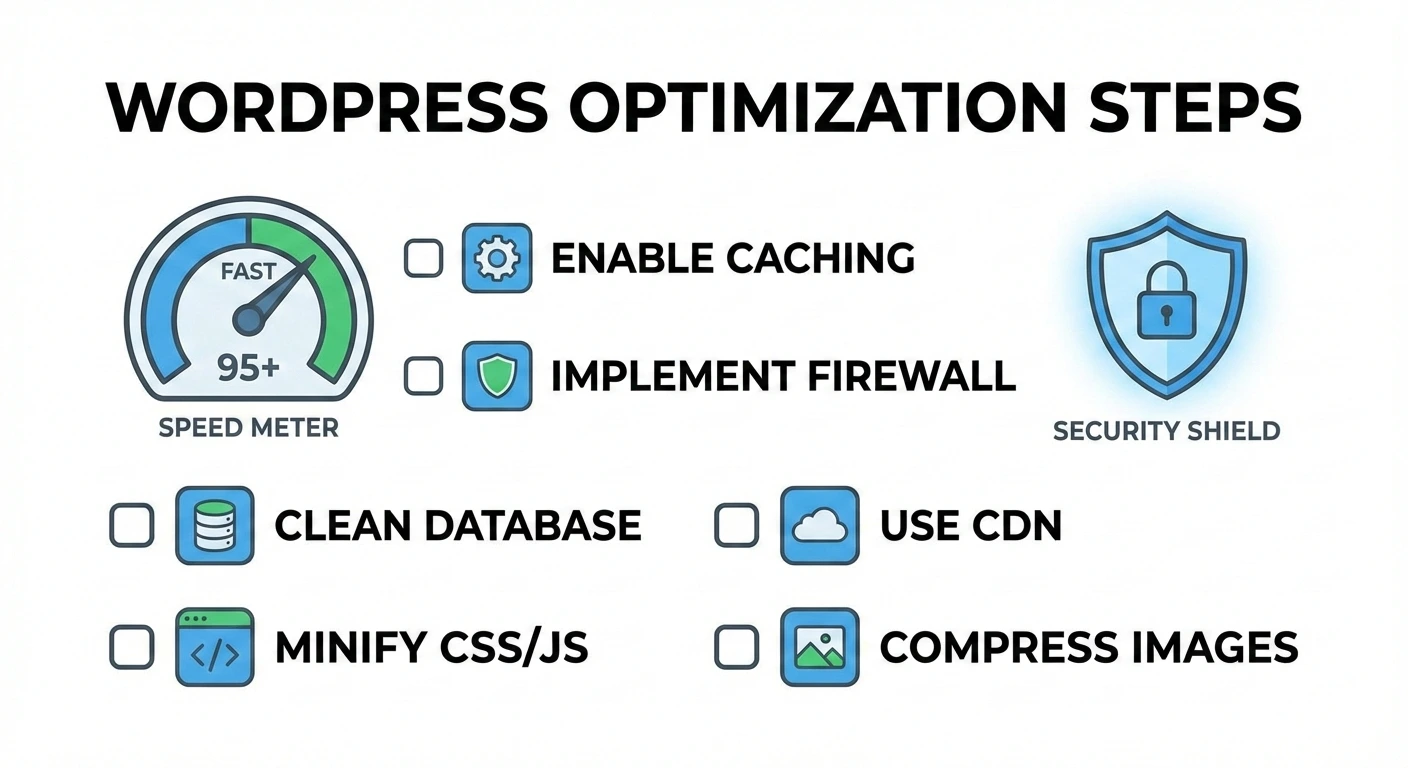

Introduction
This guide explains how to optimize WordPress on shared hosting for:
- Better speed
- Improved stability
- Lower resource usage
- Stronger security
No advanced technical knowledge is required.
Step 1: Use the Latest Supported PHP Version
WordPress performs best on modern PHP versions.
Recommended:
- PHP 8.2 or PHP 8.3
You can change this from your hosting control panel.
⚠️ If a plugin breaks, switch back to the previous version, update the plugin then switch the PHP version to latest again.
Step 2: Enable Page Caching
Caching is essential on shared hosting.
Recommended plugins:
- SpeedyCache
- WP Fastest Cache
- W3 Total Cache
- LiteSpeed Cache (if supported)
Enable:
- Page cache
- Browser cache
- GZIP / compression
Step 3: Optimize Images
Large images slow down WordPress more than anything else.
Best practices:
- Resize images before upload
- Use WebP where possible
- Compress images using plugins like Smush or ShortPixel or SpeedyCache
Step 4: Choose a Lightweight Theme
Avoid heavy, feature-packed themes.
Look for themes that are:
- Fast loading
- Gutenberg-friendly
- Minimal in scripts
Lightweight themes improve performance significantly on shared hosting.
Step 5: Limit Plugins
Too many plugins increase load and conflicts.
Best practices:
- Remove unused plugins
- Avoid duplicate functionality
- Keep plugins updated
Step 6: Secure Your WordPress Site
Basic security steps:
- Keep WordPress core updated
- Update themes and plugins
- Use strong admin passwords
- Enable basic security plugins
- Turn on Two-Factor Authentication
Security also protects server resources, not just your site.
Step 7: Optimize the Database
Over time, databases collect junk data.
Use tools like:
- WP-Optimize
- Advanced Database Cleaner
Run database cleanup once a month.
[Pro Tip] Install Index WP MySQL For Speed plugin and click on Add Keys Now button. This plugin adds indexes to WordPress tables which makes a site with thousands of posts/pages/products 2x faster.
Final Notes
Shared hosting can run WordPress smoothly and reliably when optimized correctly.
Following these steps will:
- Improve speed
- Reduce errors
- Delay unnecessary upgrades
- Deliver better user experience
If your site outgrows shared hosting, we’ll help you move to the right plan smoothly.